
Best Tools for Corporate Clients: NYC Bus Services
Corporate groups in the Tri‑State area need a ride that’s reliable, safe, and on‑time. Below are the top tools you can use to move teams, clients, and guests around NYC,…
 Skip to main content
Executives juggle meetings, emails, and follow‑ups every day. Picking the right digital helpers can free up hours. Here are five tools that fit the typical exec workflow, plus a quick way to compare them. For related tools used in client-facing business operations, see tools for corporate clients.
An analysis of 32 YouTube comments about business executive tools found that 47% mentioned time management strategies.
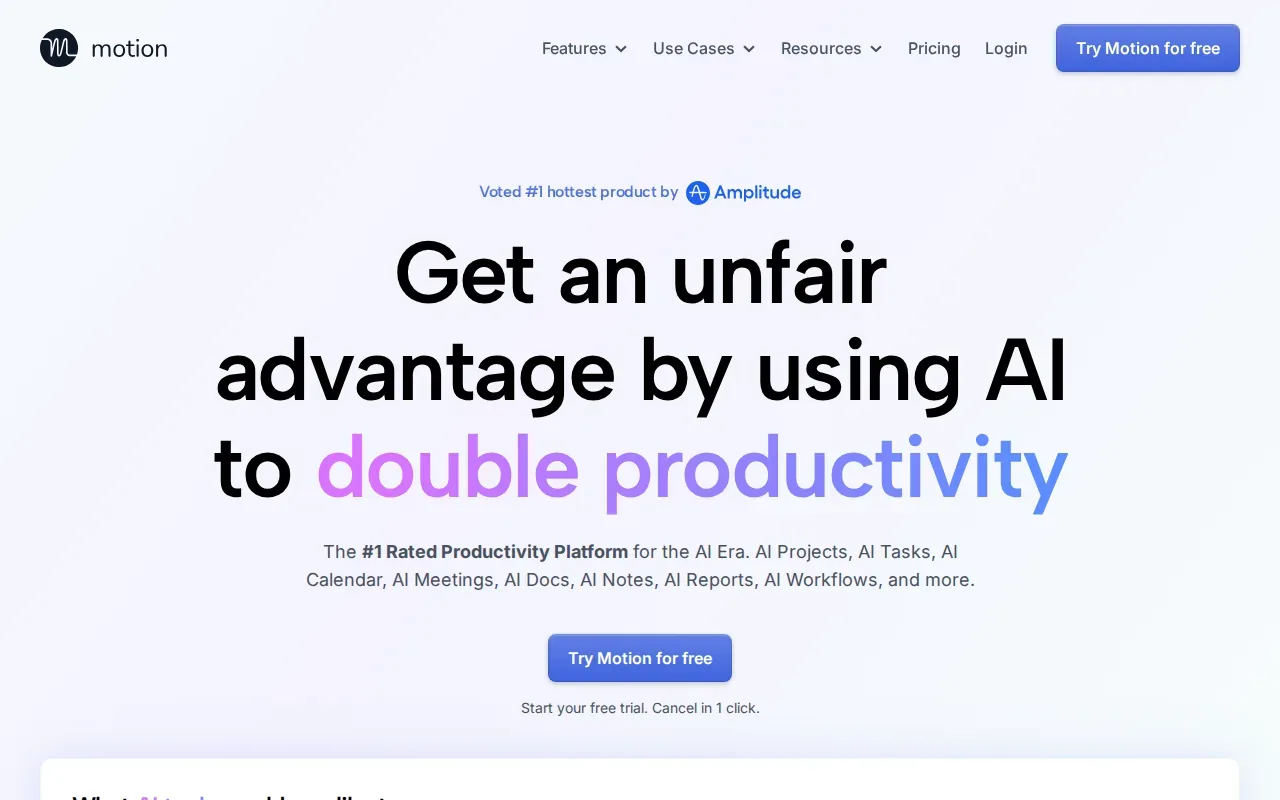
Motion blends a calendar, task list, and AI‑driven scheduling into one view. It helps assistants keep the exec’s day fluid while the AI auto‑prioritizes new requests.
Because it creates projects in seconds and updates task status automatically, the tool cuts the back‑and‑forth that usually clogs inboxes. It shines when an exec needs rapid reshuffling of meetings after a last‑minute change.
Motion plans the work day, but travel and ground transport are booked elsewhere. Add pickup and drop‑off times to the calendar by hand when you arrange executive transportation services in NYC.
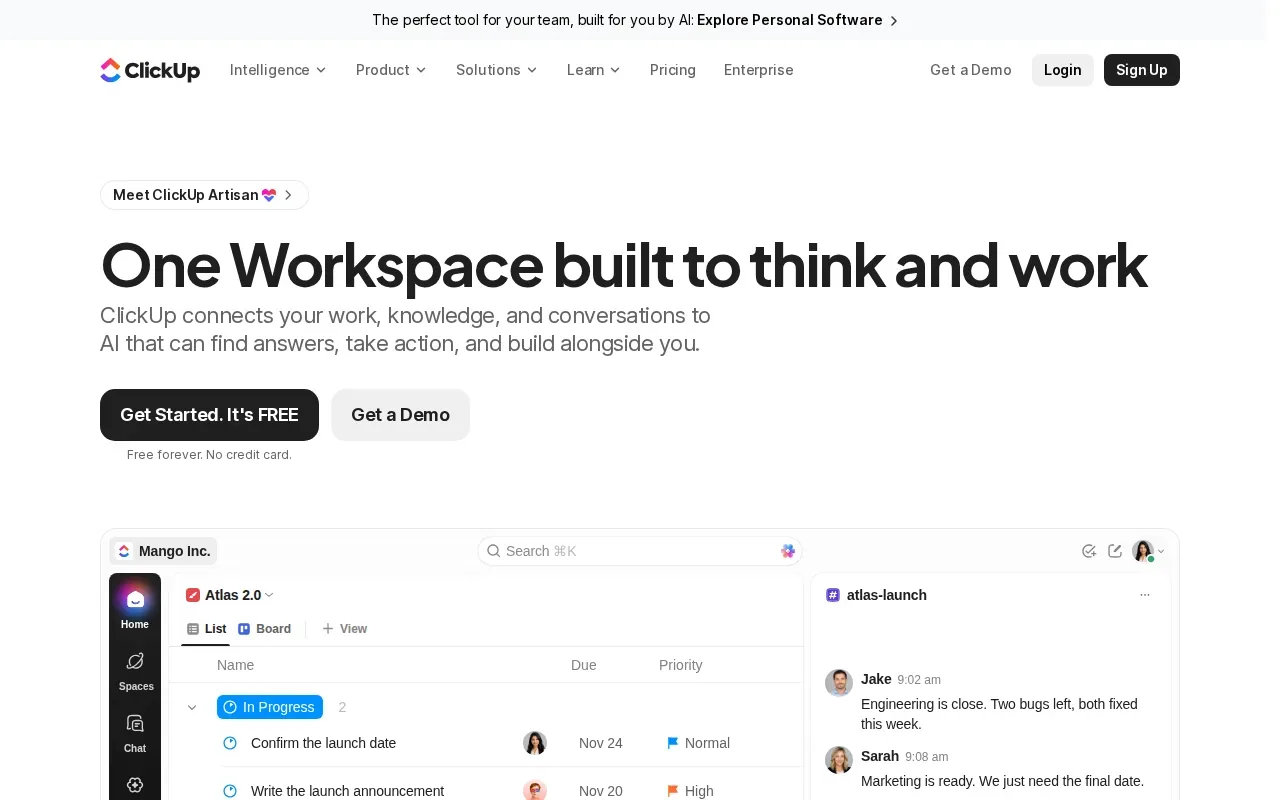
ClickUp bundles tasks, docs, calendars, goals, and automation under a single roof. Executives can see every action item, attached brief, and deadline without hopping between apps.
The platform’s AI Knowledge Manager pulls answers from stored documents, so a quick query can surface a contract clause or a past decision. Automations handle repetitive steps like moving a task to “Done” after a meeting ends.
It works well for assistants who need a single source of truth for multiple projects. The only caveat is that the UI can feel busy when a team loads many boards at once.
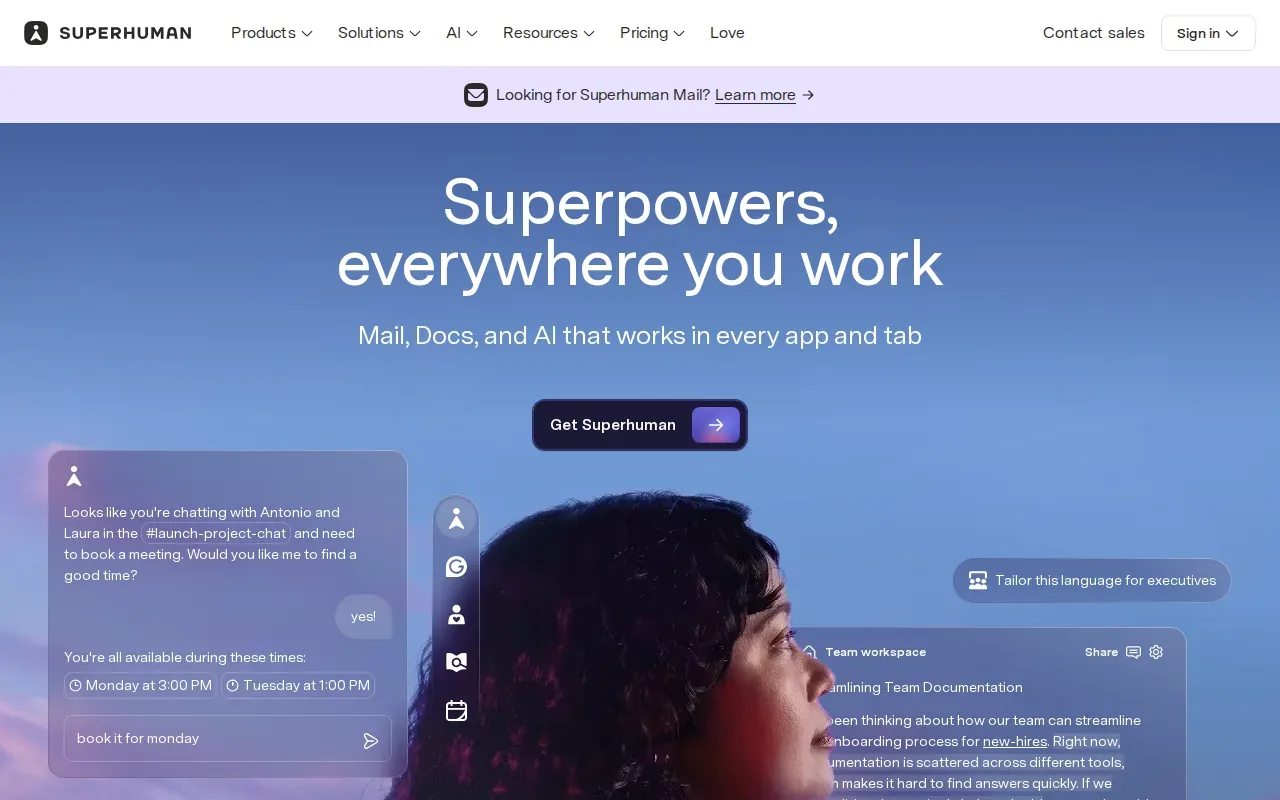
Superhuman speeds up inbox handling with keyboard shortcuts, AI‑generated replies, and a split view that shows only high‑priority messages.
Executives who receive 100+ messages a day can clear the noise in minutes. The AI learns an exec’s tone and drafts replies that feel personal after a short training period.
The tool focuses solely on email, so it must be paired with a calendar or task manager for full coverage. Also, draft messages still need final approval from a reviewer for sensitive topics.
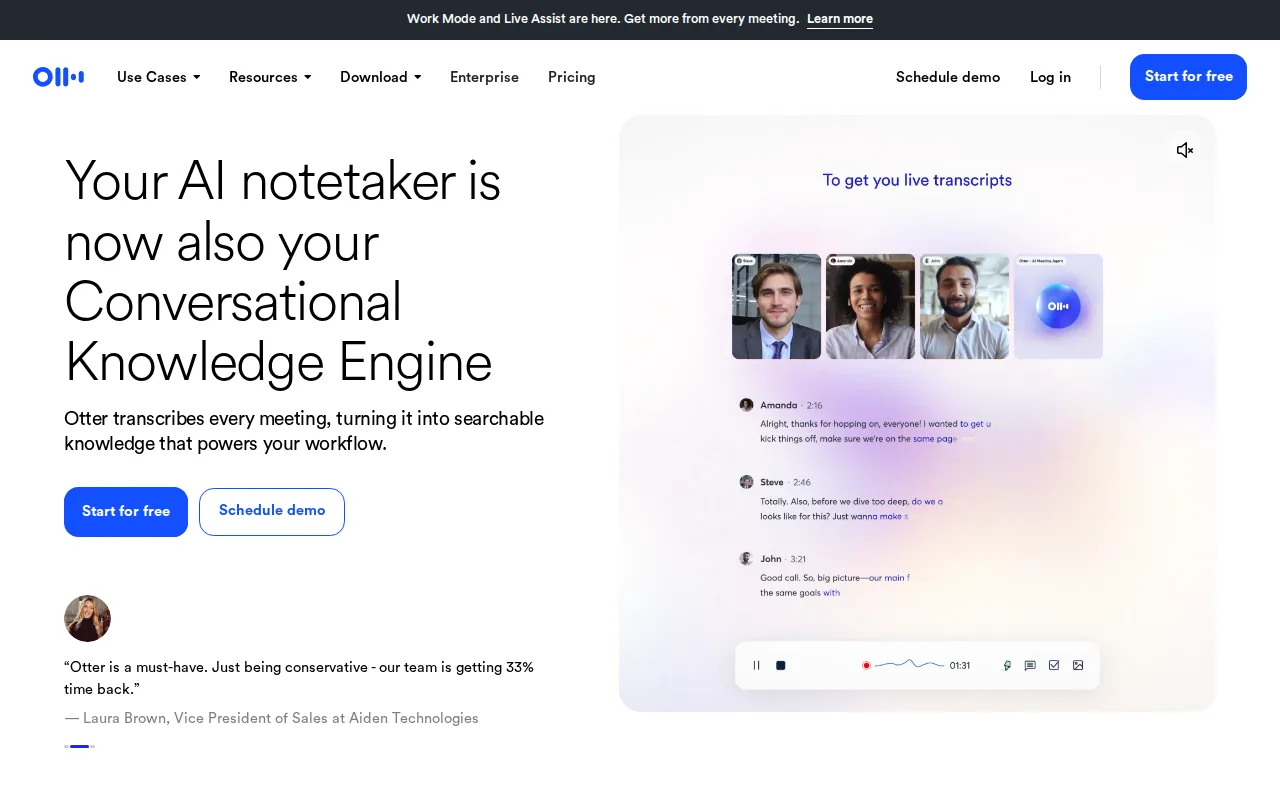
Otter.ai joins calls, creates live transcripts, and builds structured summaries with action items.
The service integrates with Zoom, Google Meet, and Microsoft Teams, letting execs capture every detail without taking notes. Transcripts are searchable, so a quick keyword search can pull up a decision made weeks ago.
Accuracy can dip with strong accents or overlapping speech, so a quick review is recommended before turning notes into tasks.
Diligent Boards provides a secure portal for board packets, version control, and digital approvals.
Large companies use it for compliance and audit trails. The platform logs who viewed each document and timestamps every signature.
It’s built for large enterprises; smaller teams may find the pricing tier higher than a simple task manager.
| Tool | Core strength | Best for | Key limitation |
|---|---|---|---|
| Motion | AI‑driven calendar & task automation | Dynamic schedule reshuffling | Travel bookings added by hand |
| ClickUp | All‑in‑one workspace with AI search | Project‑heavy exec assistants | Can feel crowded with many boards |
| Superhuman | Lightning‑fast email triage | Inbox‑heavy leaders | Email‑only focus |
| Otter.ai | Live transcription & searchable notes | Execs in frequent meetings | Accuracy drops with heavy accents |
| Diligent Boards | Secure board packet governance | Large enterprises with audit needs | Higher price tier for small teams |
Motion automates both task creation and calendar blocking, while Reclaim focuses only on protecting existing calendar time.
ClickUp stores files and lets you edit them, but it isn’t a dedicated cloud drive; large media libraries may still need a service like Dropbox.
Superhuman runs on top of your existing Gmail or Outlook account, so your company’s email security settings still apply. Check its security page and your IT policy before using AI drafts on confidential mail.
Yes, you can upload a video file and Otter will generate a transcript and summary after processing.
Usually not for the setup itself, since Diligent provides onboarding help. Your company secretary or counsel should still decide the governance rules you configure.
If scheduling is the biggest pain, start with Motion, then add Superhuman for email or Otter.ai for meeting notes as needed. Request a quote from New York Bus Company to see how coordinated travel can fit into your simplified workflow.


 Optimized by Seraphinite Accelerator